How to Set Up an Asset Numbering System That Lasts
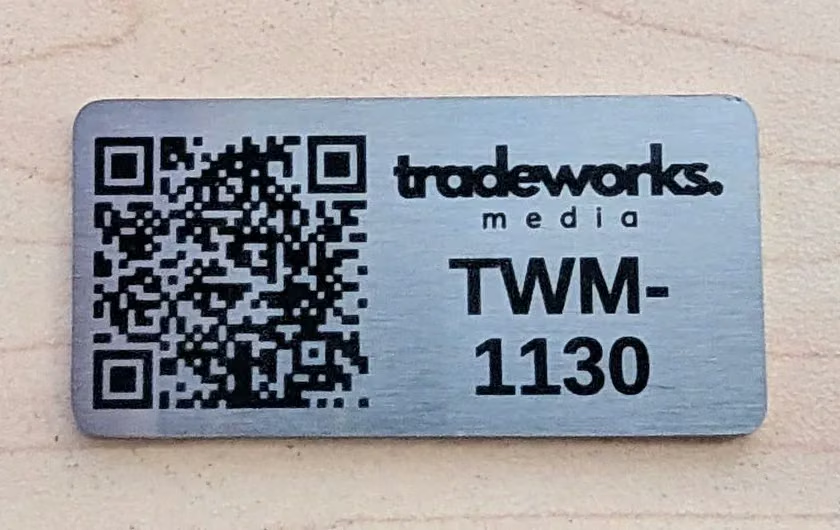
The short answer: give every asset a short, unique number that never changes, made from a prefix, an optional site code and a zero-padded number (for example PE-RUT-0001). Engrave that number and, if you like, a QR code that opens the asset's record. Then the tag still works when people, software and spreadsheets change around it.
Five rules for numbers that last
- Keep the meaning out of the number. Don't build in a department, owner or location that might change. If the pump moves to another site, the tag should still be right.
- Zero-pad the numbers. 0001 to 9999 sorts properly in every spreadsheet and keeps every tag the same width.
- Leave room to grow. If you have 300 assets today, use four digits, not three.
- Never reuse a number. When an asset is scrapped, retire its number with it, so old records never point at the wrong thing.
- Avoid letters that look like numbers. O and 0, or I and 1, are easy to misread on a dusty tag. Use a dash between parts.
Plan your tags
Use the planner to try a format, then download the full list as a CSV. Attach it to your quote request and we'll engrave each tag with its own number and QR code.
Asset numbering & QR tag planner
Set up your numbering, check the preview, then download the list as a spreadsheet (CSV) ready for engraving.
Should the tag have a QR code?
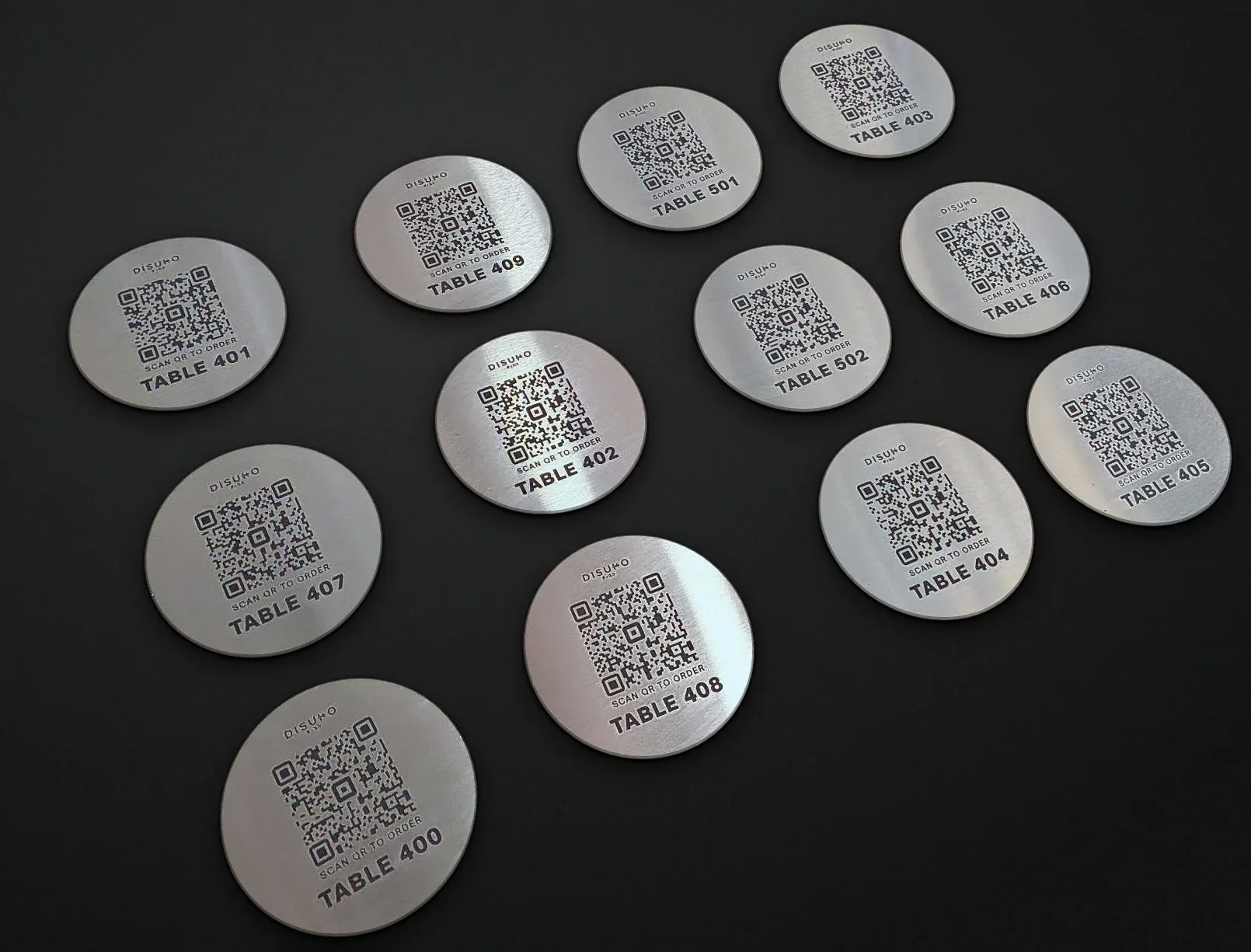
A QR code lets anyone with a phone open the asset's manual, service history or inspection form on the spot. Point the code at a link you control, such as your maintenance software's asset page with the number at the end. Then you can update the record any time without changing the tag.
How big should the QR code be?
QR code makers use a rough rule of thumb: the code should be about a tenth as wide as the distance it's scanned from. Treat it as a starting point. Phones, lighting and the amount of data in the link all make a difference, and shorter links make simpler codes that scan more easily.
| Code width | Rough scan distance | Suits |
|---|---|---|
| 15mm | About 15cm | Small tags on tools and test gear |
| 20mm | About 20cm | Standard asset tags |
| 30mm | About 30cm | Plant, pumps and switchboards |
| 50mm | About 50cm | Tags read from a step back |
Not sure? Send us your link and tag size and we'll check the code before we engrave the batch.
Choosing the tag material
- 316 stainless steel: the toughest choice for outdoors, plant, washdown and chemicals. The fibre laser marks the steel itself, so there's no label to peel off. See stainless steel tags.
- Black anodised aluminium: light, sharp contrast and very readable. See aluminium engraving.
- Traffolyte: colour coded tags for indoor equipment. See traffolyte labels.
For pipework and cables, see our valve tags and stainless cable markers. For the full range, see asset tags and QR code tags.
Questions we often get
Can every tag have its own QR code?
Yes. Send a list of links, or a link pattern with the asset number in it, and each tag gets its own code.
Can you match the numbers we already use?
Yes. Send your asset register as a spreadsheet and we'll engrave exactly what's in it.
Do laser engraved QR codes scan reliably?
Yes. We redraw every code as clean vector artwork before engraving, so the squares are crisp.
Ready to talk about your job? Send us the details below, call 02 4030 5878 or email office@planetengraving.net.